(0) Cart
  • No products in the cart.

Rampant Training, Testimonials, Reviews & More.

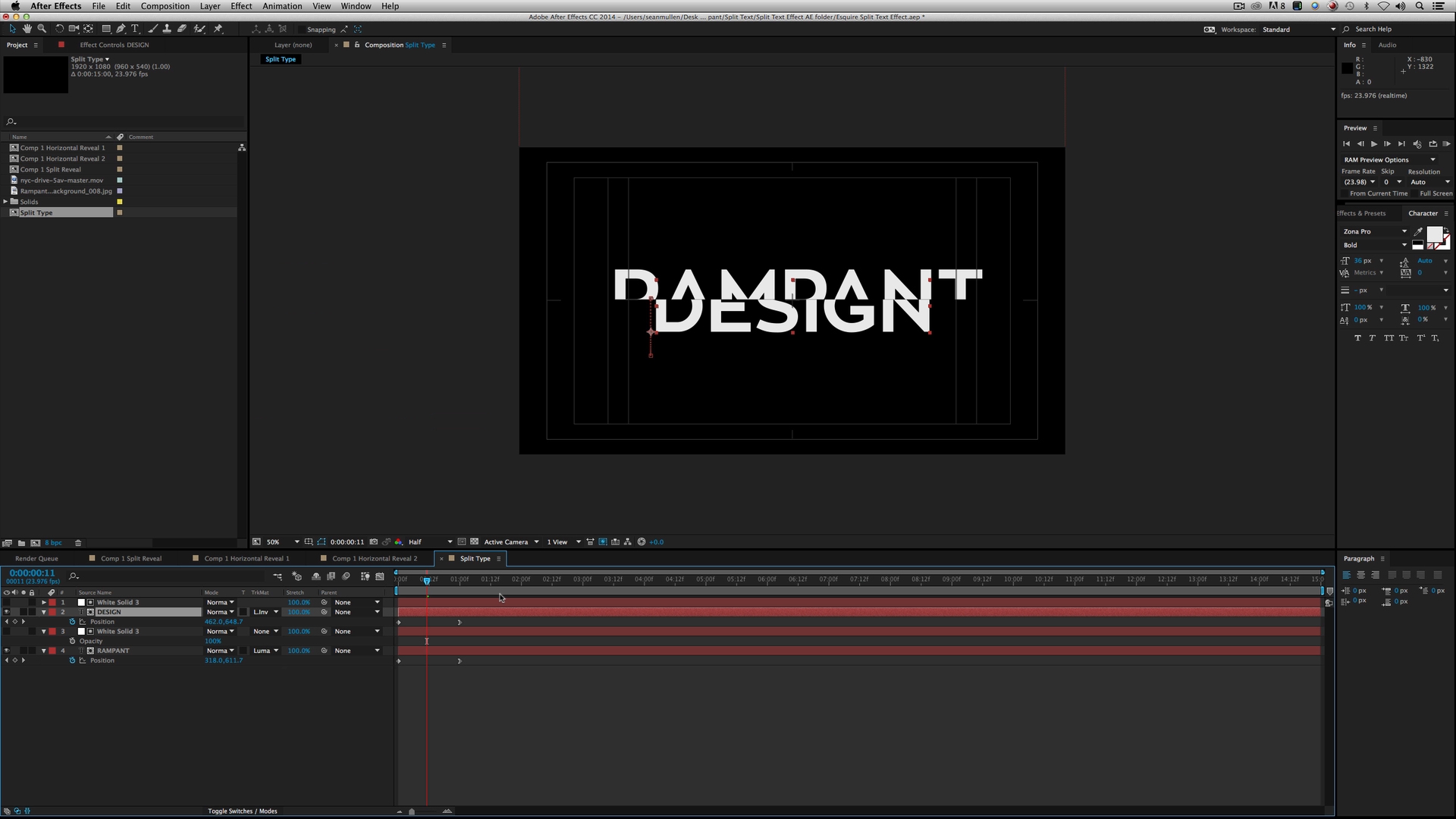
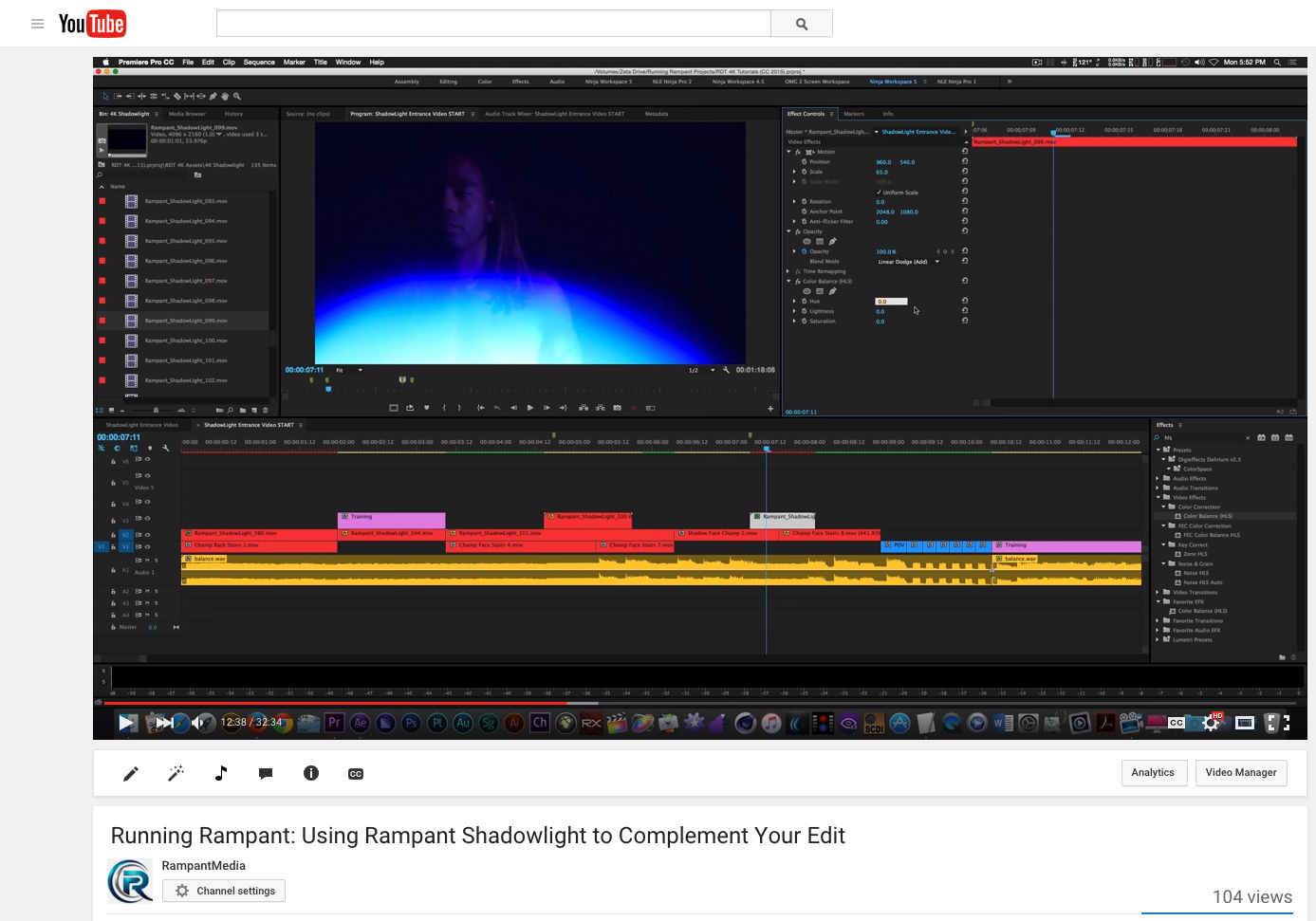
What Makes Rampant Design Tools Different? A Comprehensive Look at RDT by Kevin P. McAuliffe

What Makes Rampant Design Tools Different? A Comprehensive Look at RDT by Kevin P. McAuliffe

By:
Kevin P. McAuliffe takes a comprehensive look at how Rampant Design Tools is different and why every editor, VFX and mograph artist should have RDT in their arsenal. ...
Read more →
How to create the ”Instagram look” in your video in 3 EASY steps! by Geneviève Landry

How to create the ”Instagram look” in your video in 3 EASY steps! by Geneviève Landry

By:
In this tutorial, Geneviève Landry shows us how to create the ''Instagram look'' in your video in 3 EASY steps!See more of Gen's tutorials here.+ Get the 15 FREE borders Gen made for you, d/l link on her fan page on Facebook!It is Ok to use it in any project, even commercial. You are NOT allowed to ...
Read more →
Create a Match Up Animation in Adobe Premiere

Create a Match Up Animation in Adobe Premiere

By:
Kes Akalaonu aka the NLE_Ninja shows us how to create a match up animation in Adobe Premiere Pro.Follow Rampant on Twitter here: @RampantDesignSee more Rampant Tutorials here Rampant Totally Free Training. ...
Read more →
Rampant Style Mattes Quicktip

Rampant Style Mattes Quicktip

By:
Kes Akalaonu aka the NLE_Ninja shows us how to use multiple videos with Rampant Style Mattes.Follow Rampant on Twitter here: @RampantDesignSee more Rampant Tutorials here Rampant Totally Free Training. ...
Read more →
NLE_Ninja Shows Us Creative Uses for Rampant Products in Adobe Premiere

NLE_Ninja Shows Us Creative Uses for Rampant Products in Adobe Premiere

By:
Kes Akalaonu aka the NLE_Ninja, shows us creative uses of Rampant Modern Transitions, Soft Light Overlays, Screen Damage and Light Sweeps in Adobe Premiere.Follow Rampant on Twitter here: @RampantDesignSee more Rampant Tutorials here Rampant Totally Free Training. ...
Read more →
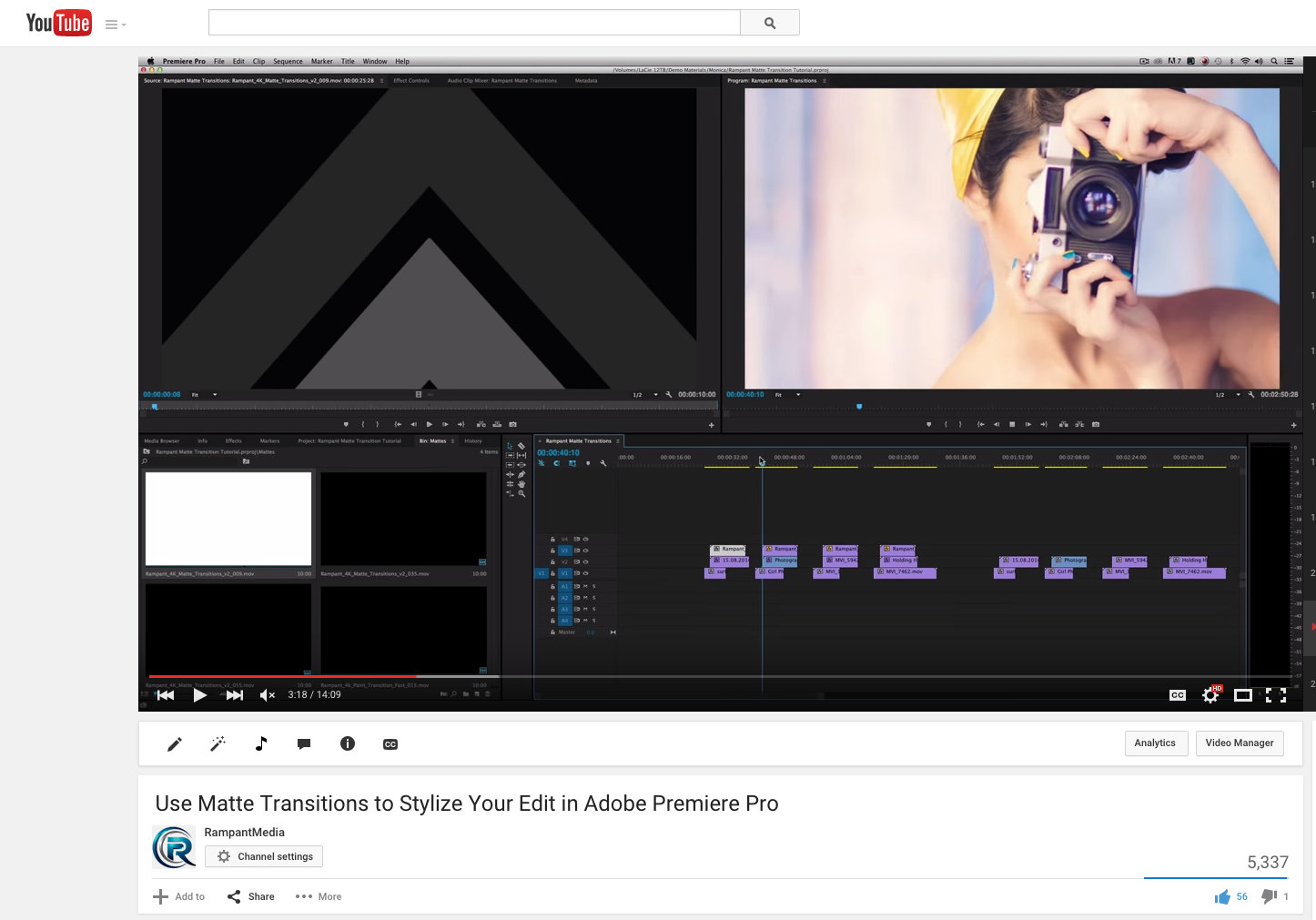
How To Use Style Mattes in After Effects, Avid, Final Cut Pro 7 and Adobe Premiere

How To Use Style Mattes in After Effects, Avid, Final Cut Pro 7 and Adobe Premiere

By:
In this tutorial, Kes Akalaonu aka @NLE_Ninja shows us how to use Rampant Style Mattes in Adobe After Effects, Adobe Premiere, Final Cut Pro 7 and Avid.Download Rampant Style Mattes here:http://rampantdesigntools.com/style-mattes/Follow Rampant on Twitter - @RampantDesignhttp://twitter.com/rampantde ...
Read more →
Graham Cohen Shows Us How to Use Rampant Style Mattes in FCPX

Graham Cohen Shows Us How to Use Rampant Style Mattes in FCPX

By:
Rampant Media Design Review and Demo from Graham Cohen on Vimeo. ...
Read more →
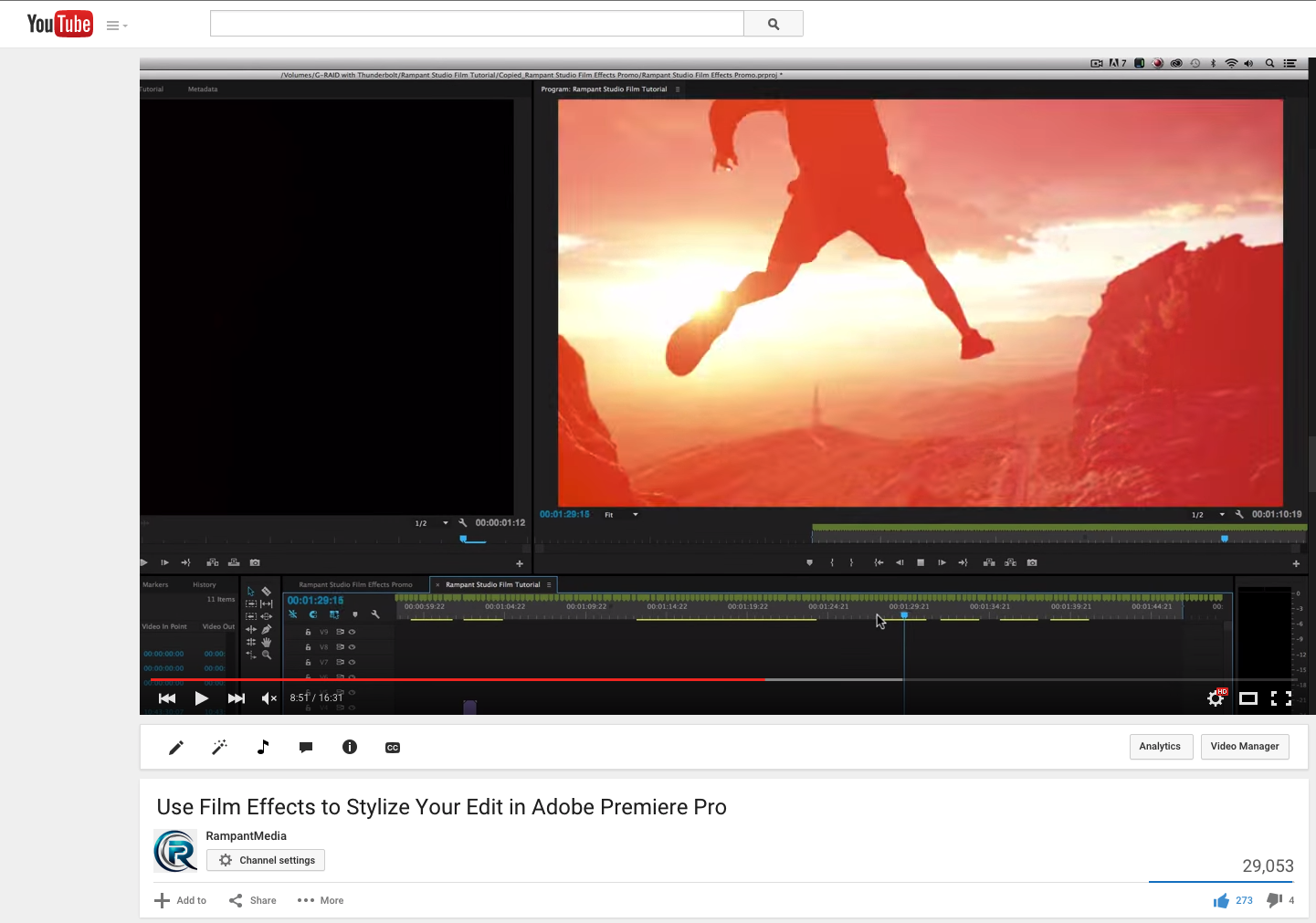
Rampant ColorFX for Premiere Tutorial

Rampant ColorFX for Premiere Tutorial

By:
In this tutorial, Kevin P. McAuliffe shows us how to use Rampant ColorFX for Adobe Premiere CS6.Download Rampant ColorFX for Premiere here:http://rampantdesigntools.com/colorfx-premiere/Do you have comments, questions or tutorial requests? Leave us a message on the Rampant Forum.http://community.ram ...
Read more →
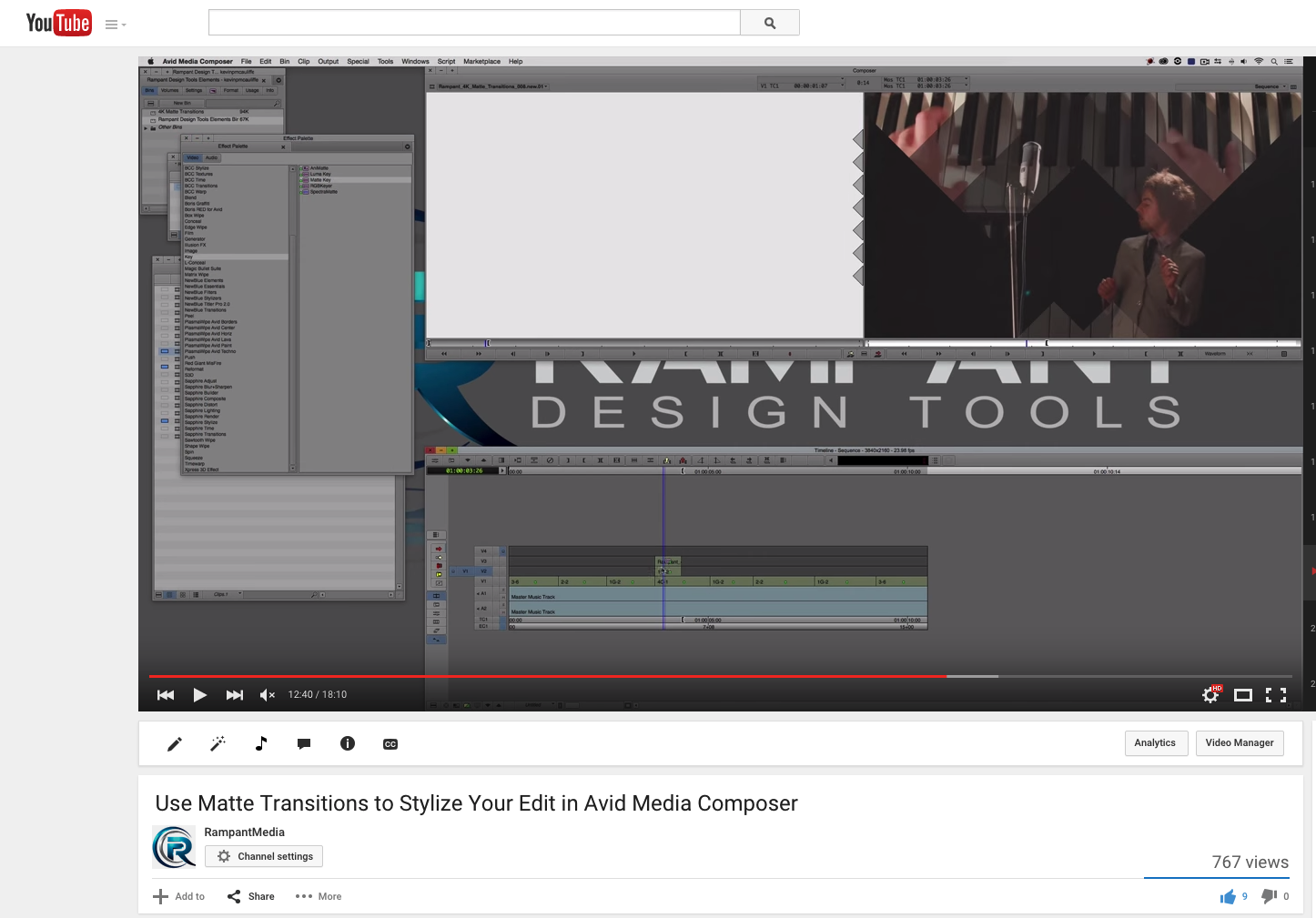
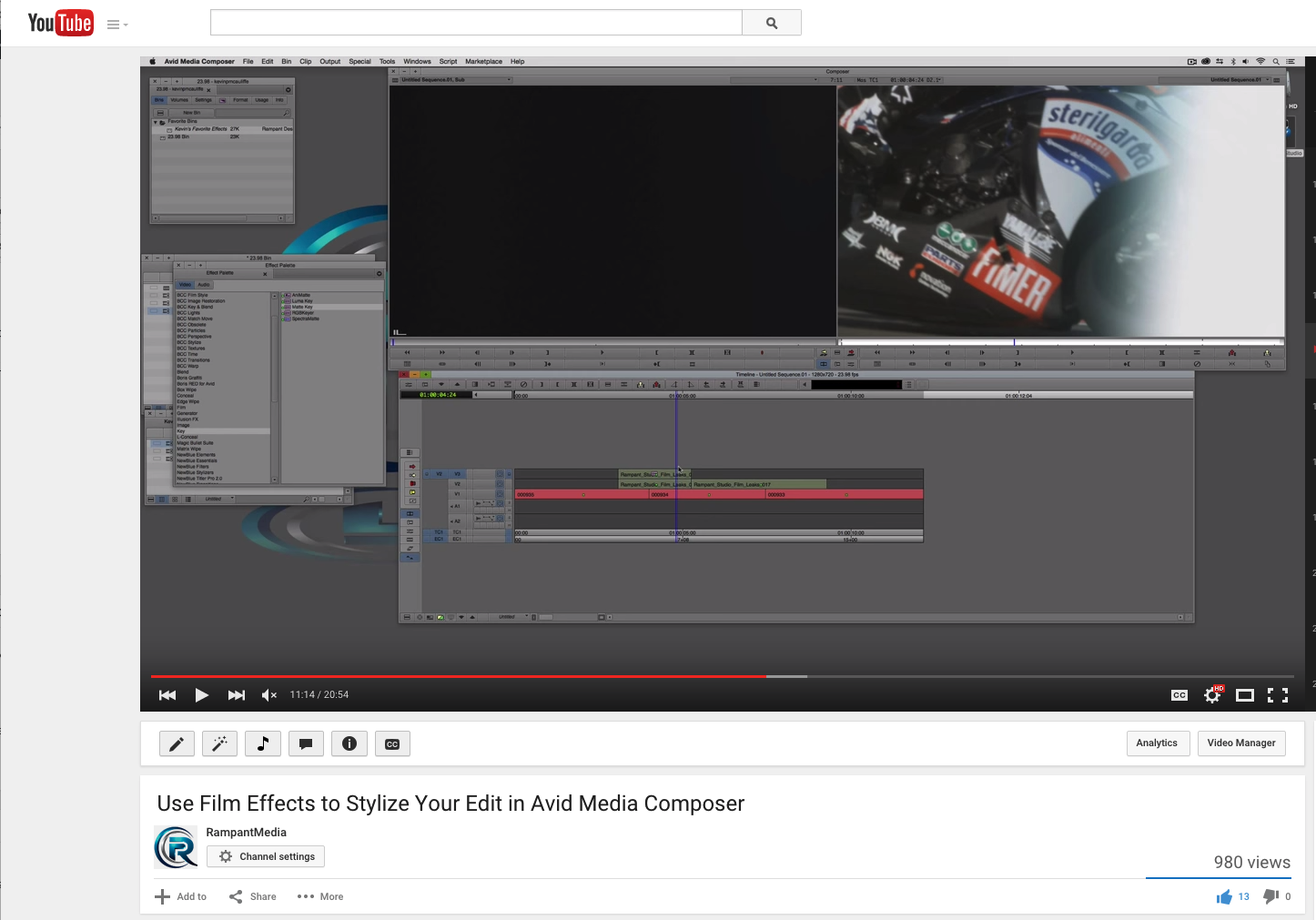
Using FlashFX Elements in Avid Media Composer and Avid Symphony Tutorial

Using FlashFX Elements in Avid Media Composer and Avid Symphony Tutorial

By:
In this tutorial, Kevin P. McAuliffe shows us how to use Rampant FilmFX inside Avid Media Composer and Avid Symphony.Download FlashFX here:http://rampantdesigntools.com/flashfx/Follow Rampant on Twitter - @RampantDesignhttp://twitter.com/rampantdesignLike Rampant on Facebook:http://facebook.com/ramp ...
Read more →
Create a Character Callout Animation in Adobe Premiere

Create a Character Callout Animation in Adobe Premiere

By:
In this tutorial, the NLE Ninja shows us how to create a character callout animation in Adobe Premiere using Rampant GrungeFX and Rampant FilmFX.Download Rampant GrungeFX here:http://rampantdesigntools.com/grungefx/Download Rampant FilmFX 2 here:http://rampantdesigntools.com/filmfx2/Follow Rampant o ...
Read more →
Page 1 of 41234